

Visualize Every Surfacewith Confidence
A powerful 3D surface visualization tool for showrooms, sales teams and customers. Explore tiles, create realistic spaces, and bring your products to life — all in one place.
 Realistic 3D Visualization
- Easy to Use
- Cloud Based
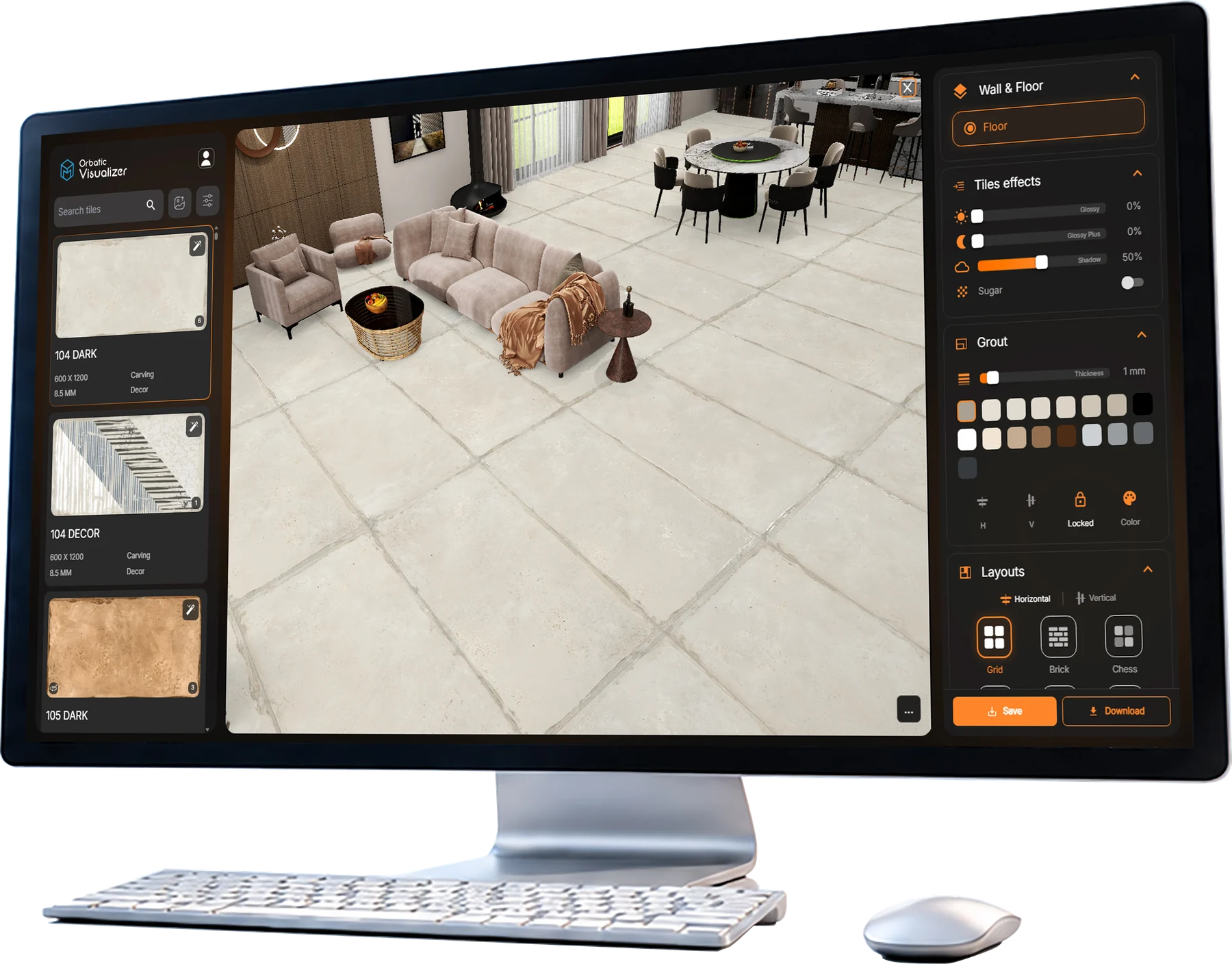
Technical Features
Advanced tools to help you create, customize and present your surfaces with complete flexibility.

3D/ 360° & Custome Space
Switch between multiple view modes for better visualization.

Surface Effects
Control glossy, matte, shadow and realistic surface behaviour

2000+ Ready Template
different Spaces like living room, Bedroom, bathroom, Corporate etc.

Ai Ambiance
Ai ambiance creation according to your product

Branding Tools
Add your logo, crop, annotate and create branded social media post or any other purpose.

Auto Ambiance Creation
Create automatic ambiance automation of your product

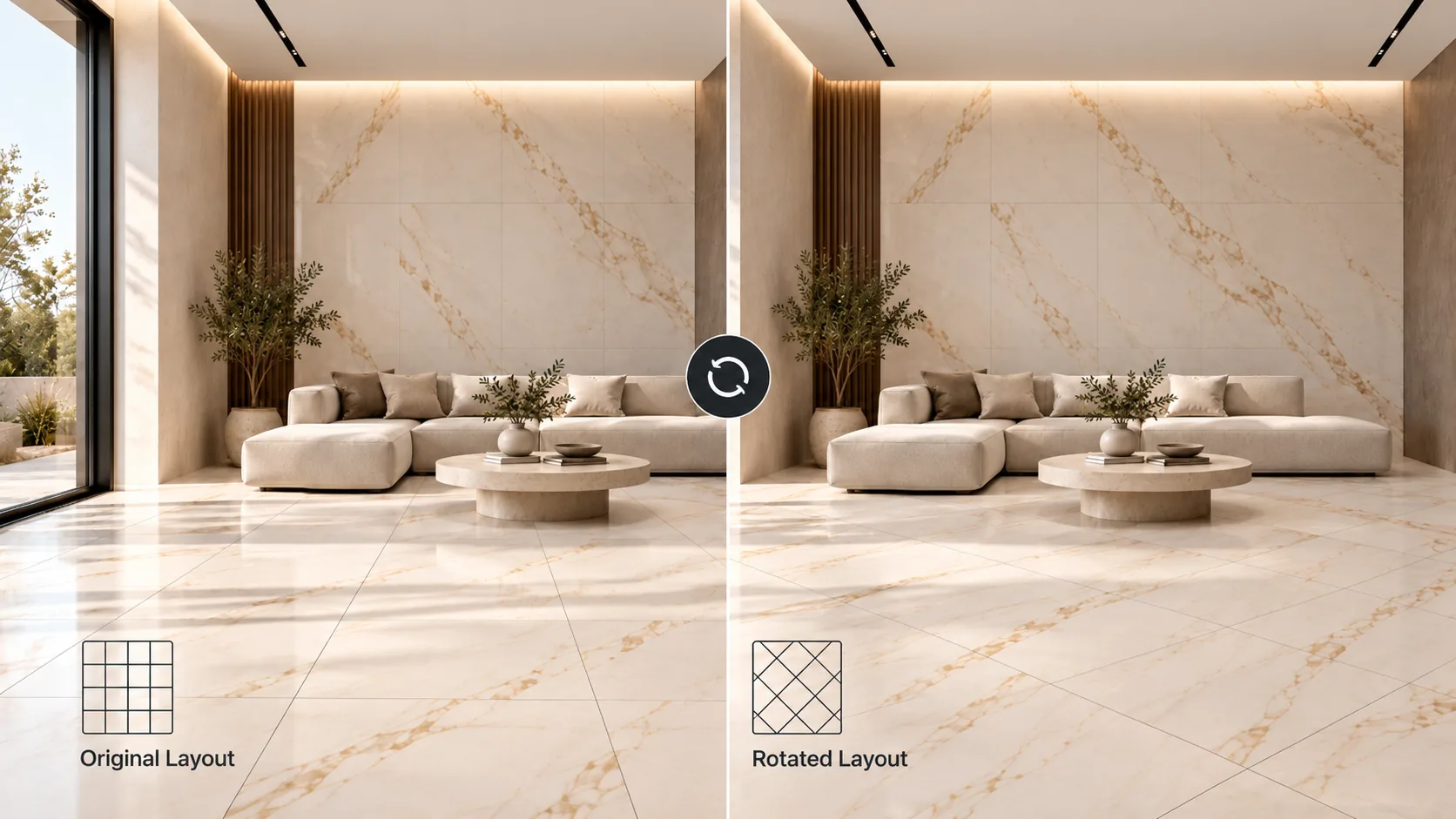

Layout Rotate
Advanced SurfaceCustomization
Customize surfaces with unique finishes, patterns, layouts, and combinations—all with complete creative freedom.
 Customize Surface
 Glossy+matt Combinations
 Layout Offset / Stagger
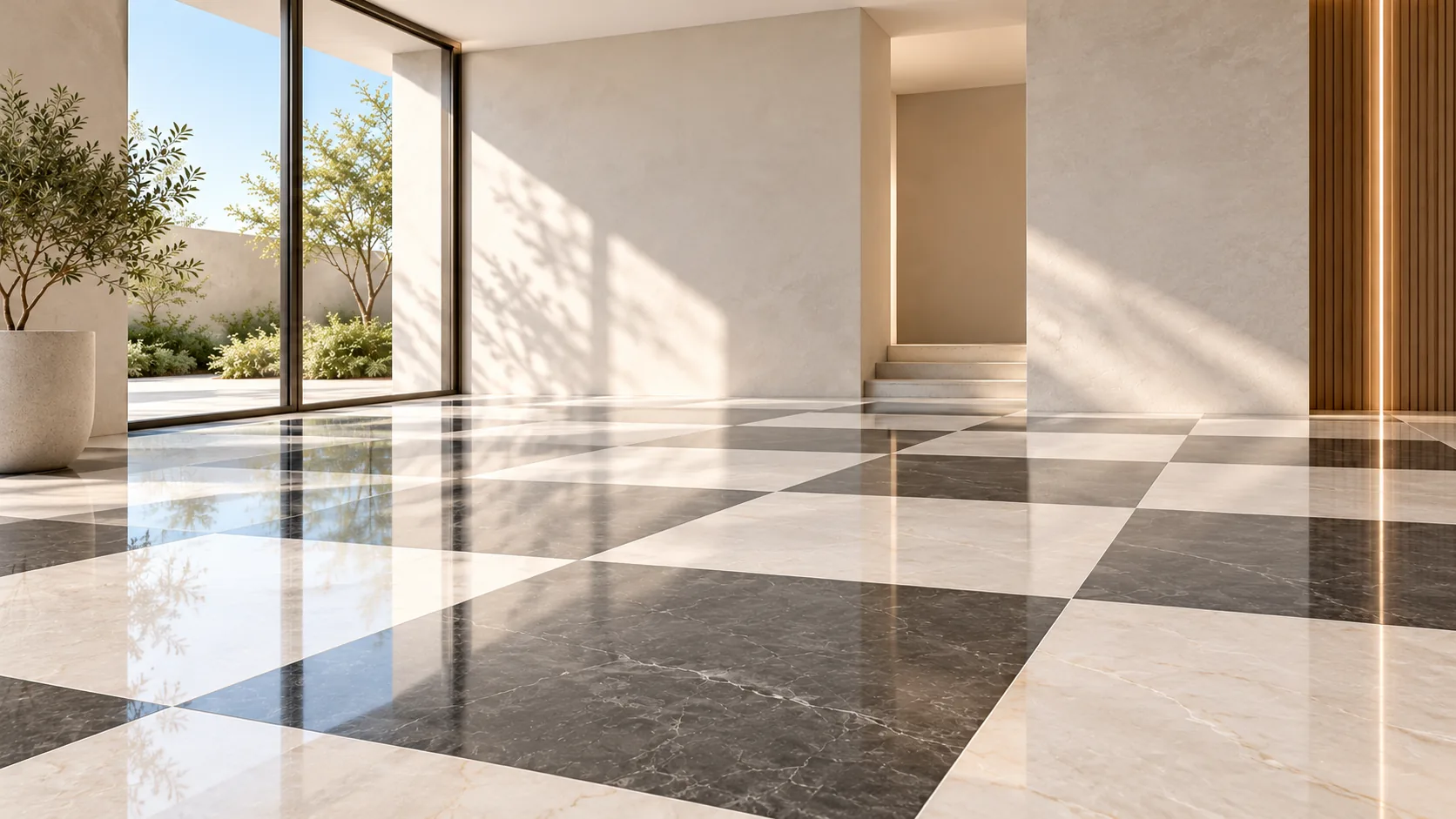
 Light-Dark/ Decor Composition
 Rotate Tiles
 4-Way Bookmatch
 Special Effect Support
 3-Wall Customization
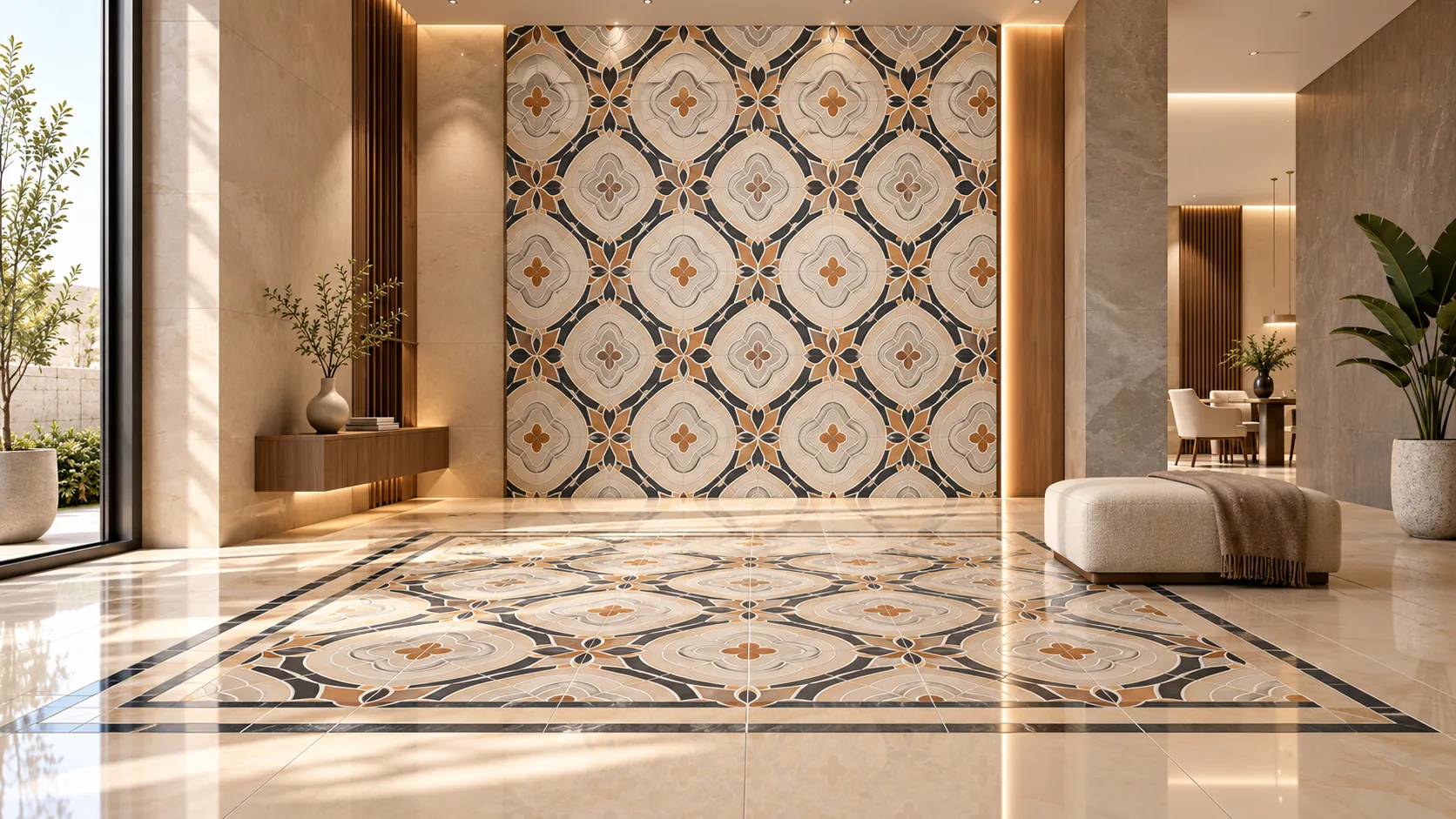
 Floor Patterns
Frequently asked questions
Everything You Need to Know AboutOrbatic Visualizer
Quick answers to help you explore and visualize surfaces with confidence.
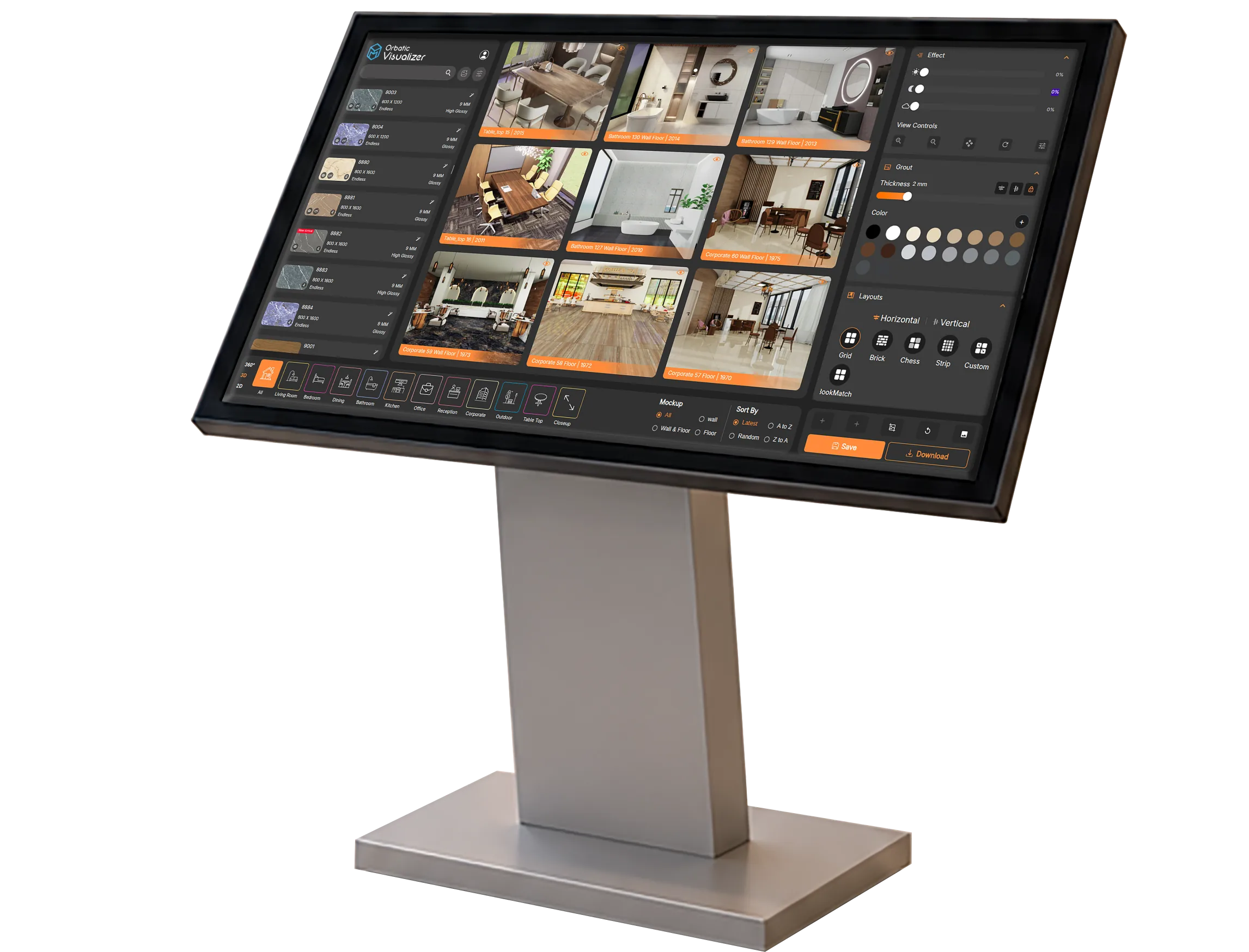
Orbatic Visualizer is an interactive 3D surface visualization tool that lets you explore products in realistic room environments.
Yes. You can place different surfaces in one room and compare how each finish looks before you present it.
Yes. Switch between 3D, 360°, and a custom space so you can view the room from the angle you need.
Yes. Change the grout, layout, and surface effects, including glossy, matte, and shadow, until the room looks right.
Showrooms, sales teams, and customers use it to explore a product in a realistic space and decide with confidence.
Yes. Add your logo, crop the view, and annotate it to create a branded image for a presentation or a social post.