Tiles Visualizer logo

Tiles Visualizer

A flat product photo lies. A 360° room render doesn't.

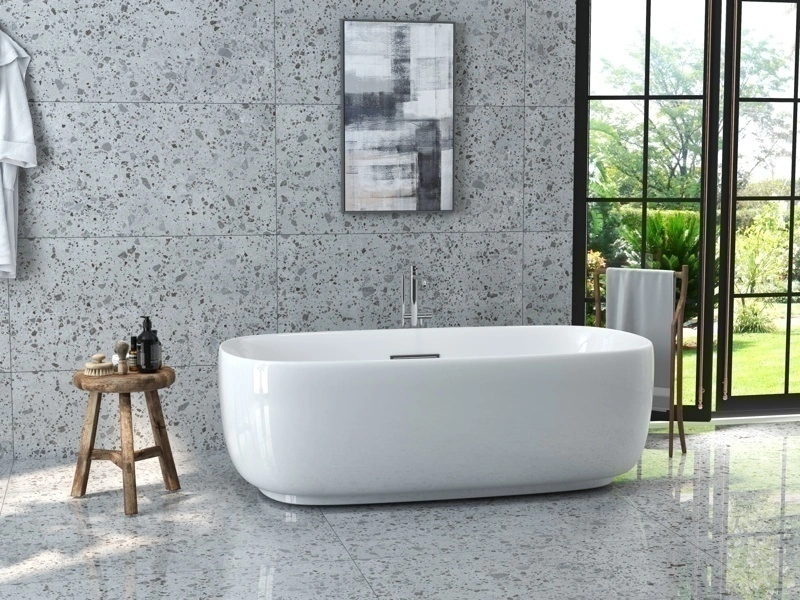
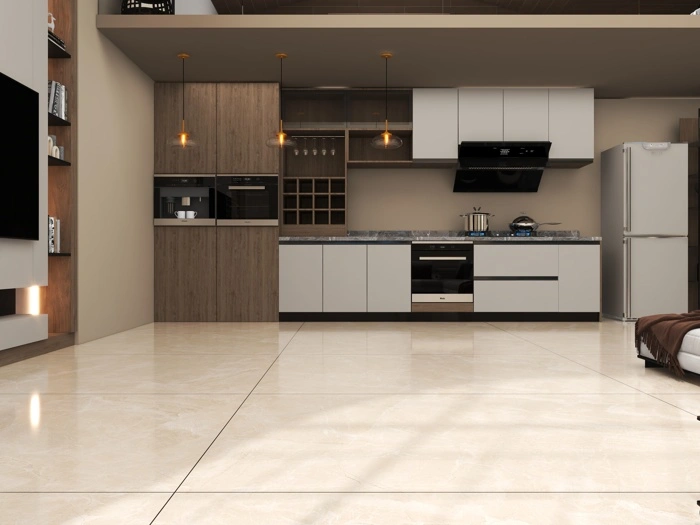
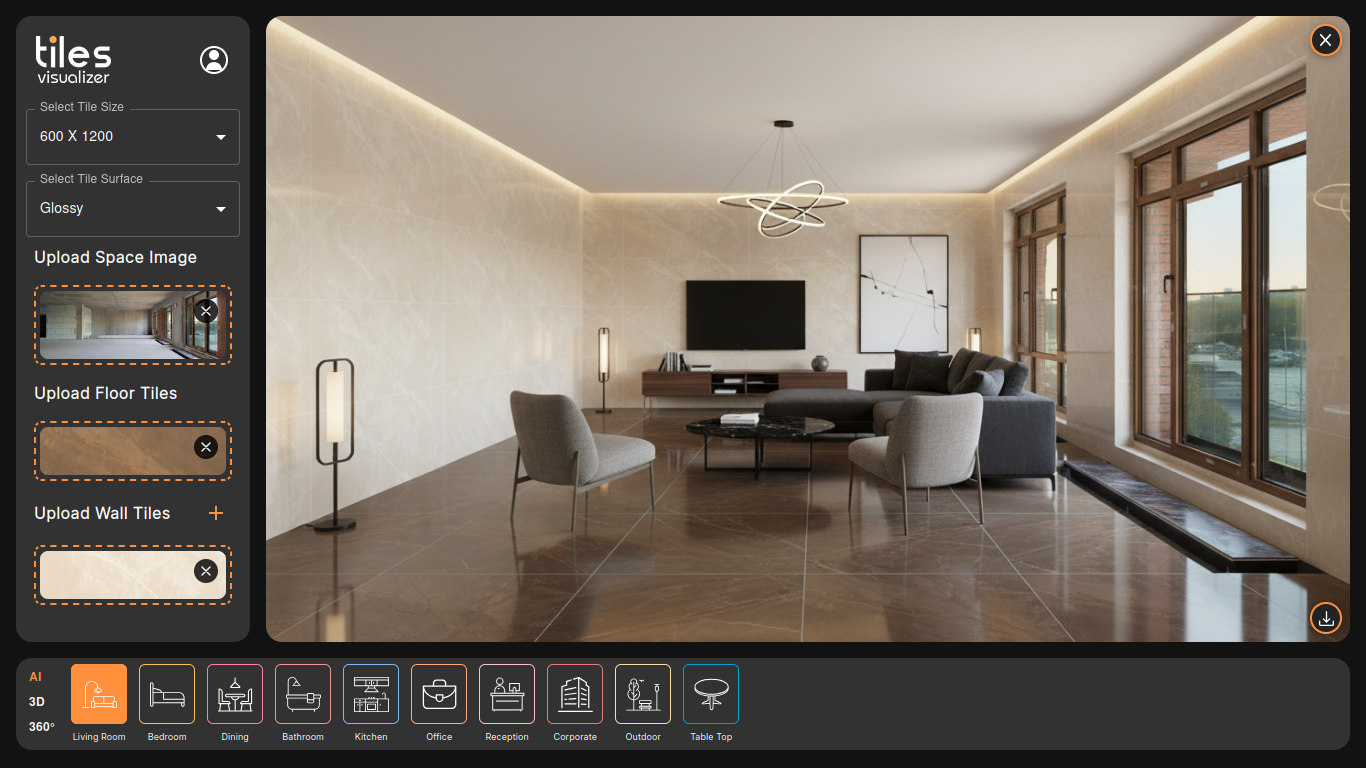
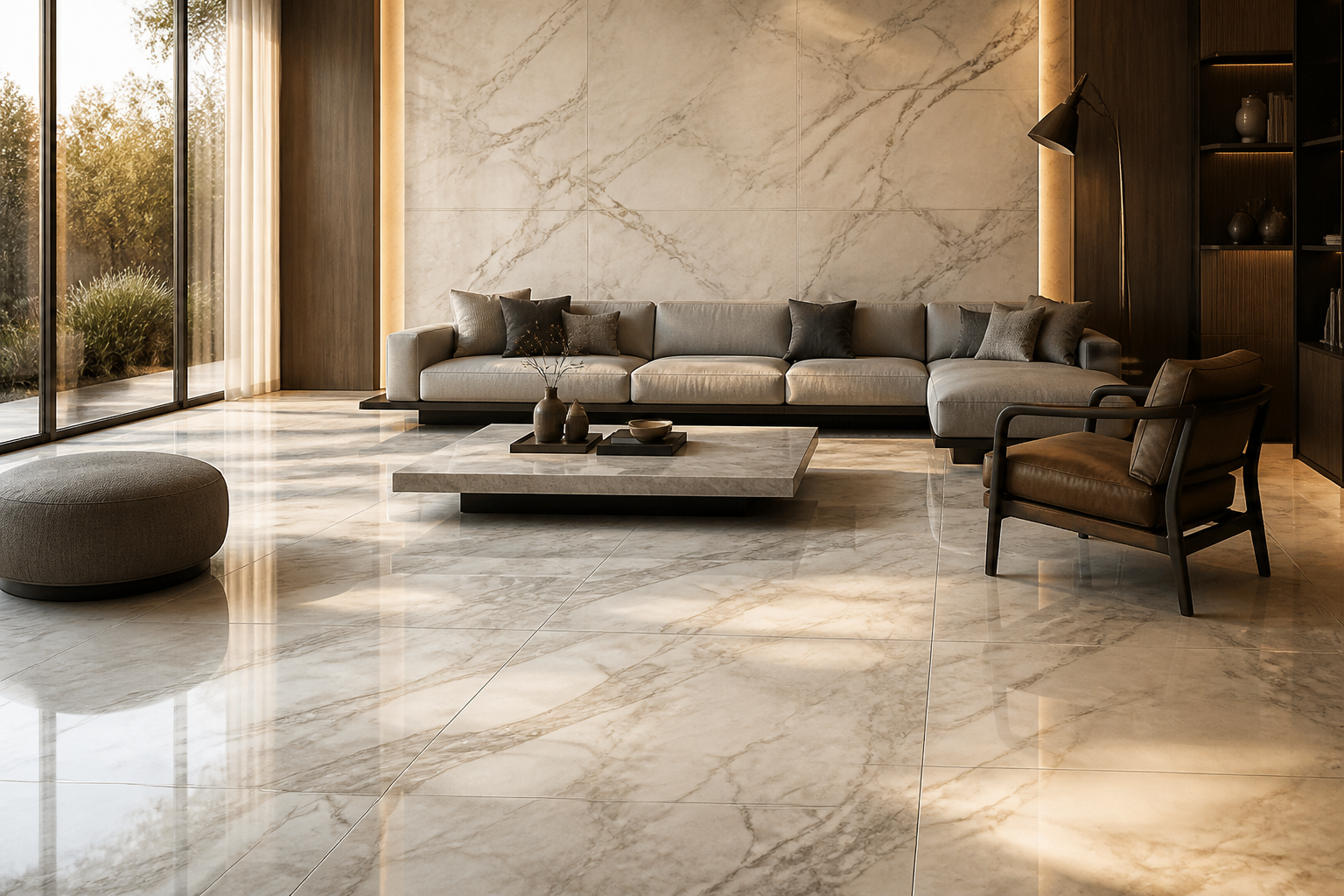
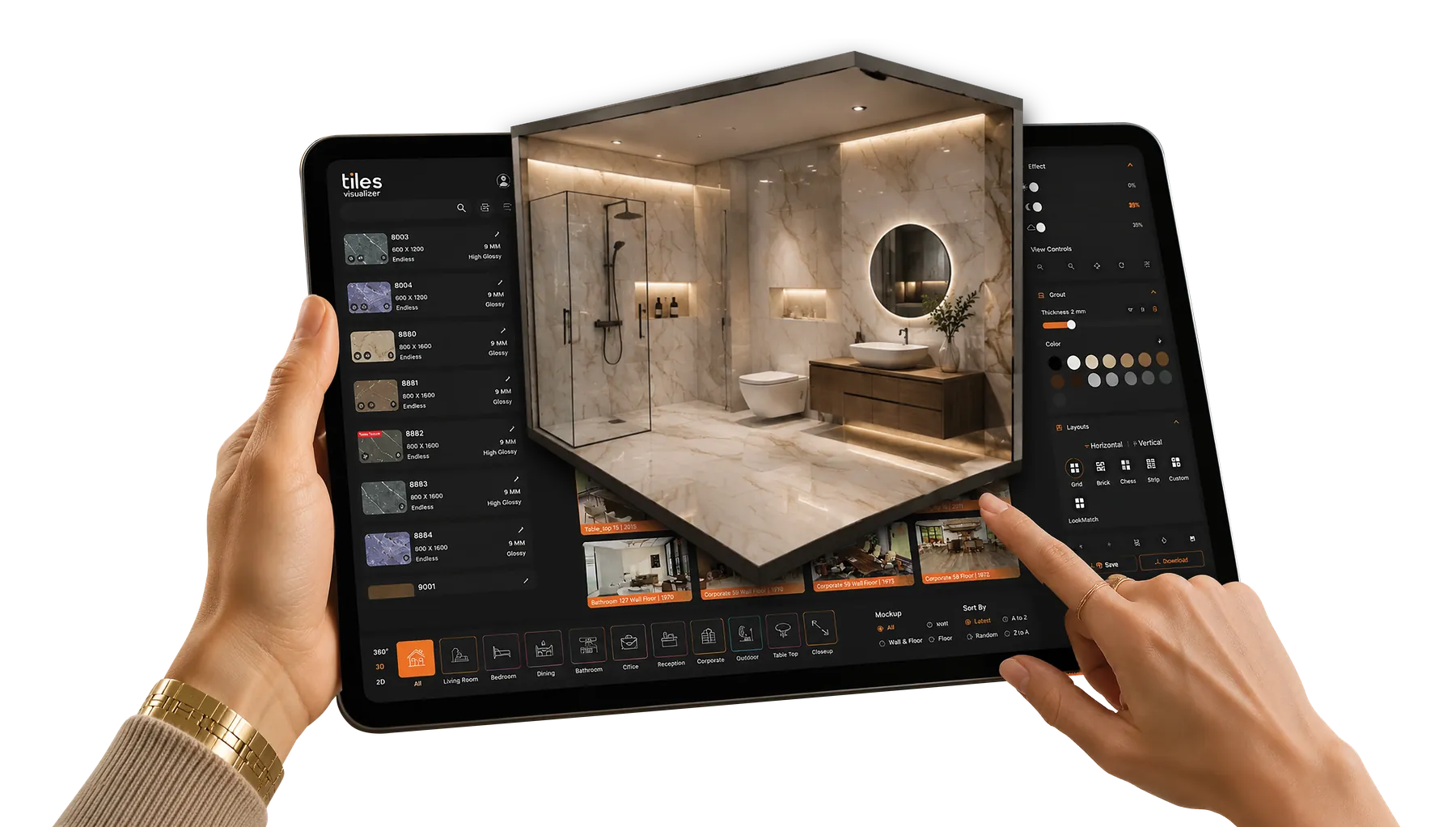
Upload your tile image, pick from 1,500+ room templates across 10 real-world space types — living rooms, kitchens, bathrooms, bedrooms, offices, outdoor spaces, and more — and get a full 360° photorealistic preview in seconds. The AI reads actual depth, lighting, and perspective from the room rather than pasting a tile pattern on top of a flat photo. So whether you're a designer presenting to a client, a dealer closing a showroom sale, or someone choosing between three shortlisted tiles for a renovation — what you see is what gets installed.

Tiles Visualizer preview

Overview

Built around how tile decisions actually get made — from the showroom floor to the final sign-off.

Most tile decisions stall at exactly the same point — the customer says 'I like it, but I'm not sure how it'll look.' At that moment, you can hand them a brochure photo and hope. Or you can show them the tile applied to a full 360° render of the type of room they're actually renovating.

Tiles Visualizer does the second one. Upload a tile image, choose from 1,500+ room templates across 10 space types — Living Room, Kitchen, Bathroom, Bedroom, Dining, Office, Reception, Corporate, Outdoor, Table Top — and the AI builds a photorealistic preview in seconds. It reads the room's actual depth, lighting, and perspective instead of pasting a flat pattern on top of a stock photo. Irregular floor shapes, furniture legs, accent walls, full bathrooms — it handles the real-world complexity, not the easy version.

A Morbi tile manufacturer sending 360° room previews to overseas buyers closes decisions that used to drag across weeks of back-and-forth emails. A designer including these renders in a client proposal doesn't get 'let me think about it.' The guesswork is gone.

  • Full 360° panoramic room views — rotate every angle with your tile applied, not just a single flat shot
  • AI reads actual room depth and lighting — renders stay true to the space, not a generic template pasted on top
  • True 3D shadow and reflection behaviour, not a flat image swap
  • Handles irregular floors, furniture legs, accent walls, full bathrooms, showers, and outdoor facades
  • Switch Grid, Brick, or Bookmatch layouts — AI re-renders the whole room on every change
  • Live grout color preview + one-click high-res JPEG/PNG export for client proposals and contractor handoffs

Features

What you can do with Tiles Visualizer.

True 3D Rendering — Not a Flat Pattern Pasted on a Stock Photo
01

True 3D Rendering — Not a Flat Pattern Pasted on a Stock Photo

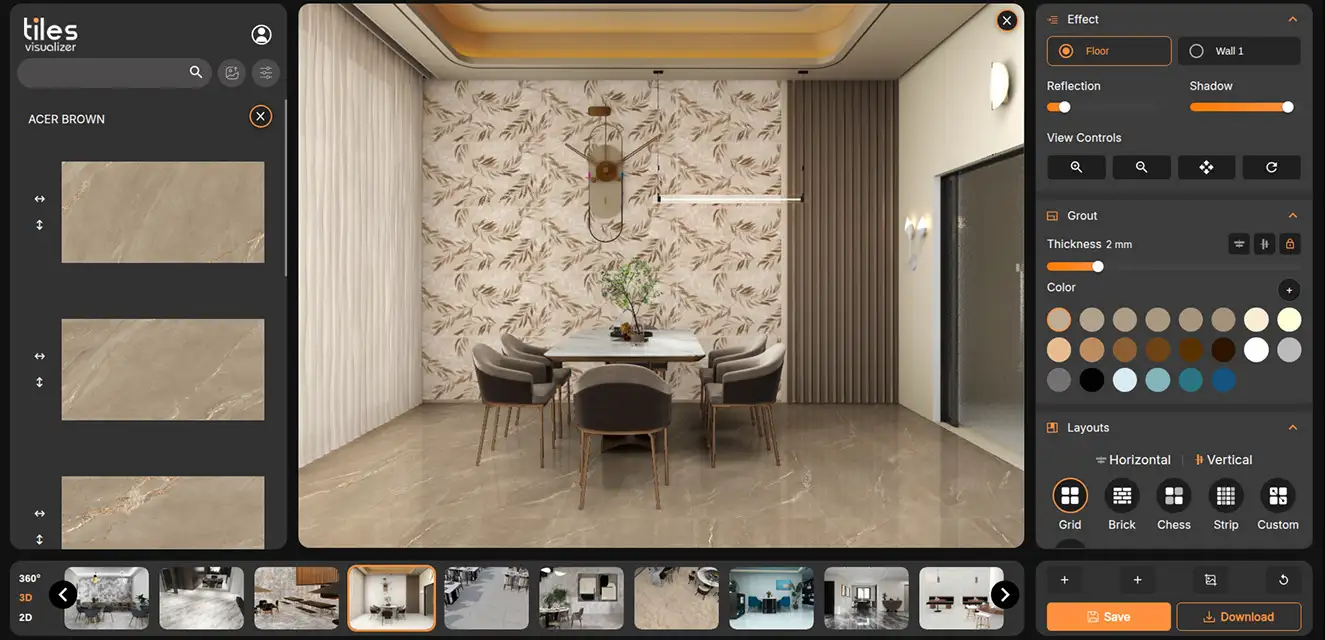
Most tile visualization technology work by dropping a repeating tile pattern on top of a fixed photograph. The proportions are off, the lighting ignores the room, and the result looks like what it is — a mock-up. Tiles Visualizer builds a true 3D space projection instead. It reads actual depth, lighting, shadow, and reflection from the room, then applies your tile into that space accurately. The difference is visible immediately. It looks like a professional render because it behaves like one.
Full 360° Panoramic Views — Every Angle, Before You Commit
02

Full 360° Panoramic Views — Every Angle, Before You Commit

Generate a complete 360° panoramic view of the room with your tile applied — then rotate around it from any angle. Not a single hero shot from one fixed camera. The full room, your tile, every perspective. For an architect presenting to a client, this is the difference between 'trust me, it'll look good' and showing them exactly what they're approving.

Trained Across 10 Real-World Space Types — 1,500+ Room Templates
03

Trained Across 10 Real-World Space Types — 1,500+ Room Templates

The same tile reads completely differently in a bathroom versus an outdoor patio. Or a corporate reception versus a home kitchen. Tiles Visualizer is trained across Living Rooms, Bedrooms, Dining rooms, Bathrooms, Kitchens, Offices, Reception areas, Corporate spaces, Outdoor settings, and Table Tops — 1,500+ templates in total. A Morbi tile manufacturer showing an overseas buyer how their outdoor terrace tile reads in a realistic garden setting is a different conversation than sending a flat product photo. Pick the space that matches the actual use case.

Precision Attaching — Irregular Floors, Furniture, Walls, Full Bathrooms, Facades
04

Precision Attaching — Irregular Floors, Furniture, Walls, Full Bathrooms, Facades

Floor visualization breaks the moment the room isn't a clean rectangle — a piece of furniture cuts across the tile line, the floor drops a level, or the shape is irregular. Tiles Visualizer's precision floor attaching handles all of it. Wall attaching works with the same accuracy on vertical surfaces — accent walls, full tiled bathrooms, shower enclosures, and outdoor facades — with correct vertical perspective maintained across the whole surface. Grout lines stay consistent whether you're covering two square metres or an entire elevation.

Grid, Brick, Bookmatch — Switch Layouts and the Whole Room Re-Renders
05

Grid, Brick, Bookmatch — Switch Layouts and the Whole Room Re-Renders

Layout choice changes how a tile feels — a brick offset reads differently than a straight grid, and a bookmatch can make or break a large-format marble tile. Switch between Grid, Brick, and Bookmatch, and Tiles Visualizer re-renders the full room on every change, not just the tile surface. Adjust grout color alongside it — live, as you change it — to see whether strong contrast works or whether a close blend reads better. Decisions that used to need a physical sample board, a site visit, and three days of waiting now take two minutes.

One-Click Export — High-Res JPEG or PNG, Ready for Whatever Comes Next
06

One-Click Export — High-Res JPEG or PNG, Ready for Whatever Comes Next

When the preview looks right, export it in one click. You get a high-resolution JPEG or PNG — sharp enough to print — that you can drop into a client proposal, attach to a contractor brief, include in a tender document, or send directly over WhatsApp. No screenshots. No third-party tools. The file is yours, immediately.

Who It’s For

For anyone who needs to show, not just describe, what a tile looks like.

  • Tile manufacturers and exporters presenting to overseas buyers
  • Dealers and showrooms closing in-person decisions
  • Architects and interior designers building client proposals
  • Homeowners and renovation customers choosing between shortlisted tiles
Start a conversation